


30-Second Setup
Get Vikat running as a blazing-fast HTTP API gateway with zero configuration. Connect to any AI provider (OpenAI, Anthropic, Bedrock, and more) through a unified API that follows OpenAI request/response format.1. Choose Your Setup Method
Both options work perfectly - choose what fits your workflow:NPX Binary
Docker
2. Configuration Flags
Understanding App Directory
The
-app-dir flag determines where Vikat stores all its data:
config.json- Configuration file (optional)config.db- SQLite database for UI configurationlogs.db- Request logs database
3. Open the Web Interface
Navigate to http://localhost:8080 in your browser:- Visual provider setup - Add API keys with clicks, not code
- Real-time configuration - Changes apply immediately
- Live monitoring - Request logs, metrics, and analytics
- Governance management - Virtual keys, usage budgets, and more
4. Test Your First API Call
What Just Happened?
- Zero Configuration Start: Vikat launched without any config files - everything can be configured through the Web UI or API
- OpenAI-Compatible API: All Vikat APIs follow OpenAI request/response format for seamless integration
- Unified API Endpoint:
/v1/chat/completionsworks with any provider (OpenAI, Anthropic, Bedrock, etc.) - Provider Resolution:
openai/gpt-4o-minitells Vikat to use OpenAI’s GPT-4o Mini model. You can also use bare model names likegpt-4o-mini, Vikat will automatically resolve the provider via the Model Catalog - Automatic Routing: Vikat handles authentication, rate limiting, and request routing automatically
Configuration Modes
Vikat has two user-facing configuration modes:Omitting
config_store does not mean file-only mode. If config.json exists and config_store is omitted, Vikat creates the default SQLite config store and treats the file as DB-backed startup configuration. Set config_store.enabled: false only when the file should be the only configuration source.config.json interacts with database state:
- Entities defined in
config.jsonare stored with a content-based hash on first load. - Changes made later through the UI or API are persisted to the database and survive pod restarts, scale-ups, and redeployments.
- Re-applying the same
config.jsondoes not overwrite those database changes, because the content hash is unchanged. If you edit an entity directly inconfig.json, its hash changes and the file-based definition overwrites the database copy. - Set
source_of_truth: "config.json"only when explicitly present file sections should replace matching DB state on startup. Missing sections leave DB rows untouched; present empty sections can prune matching DB rows.
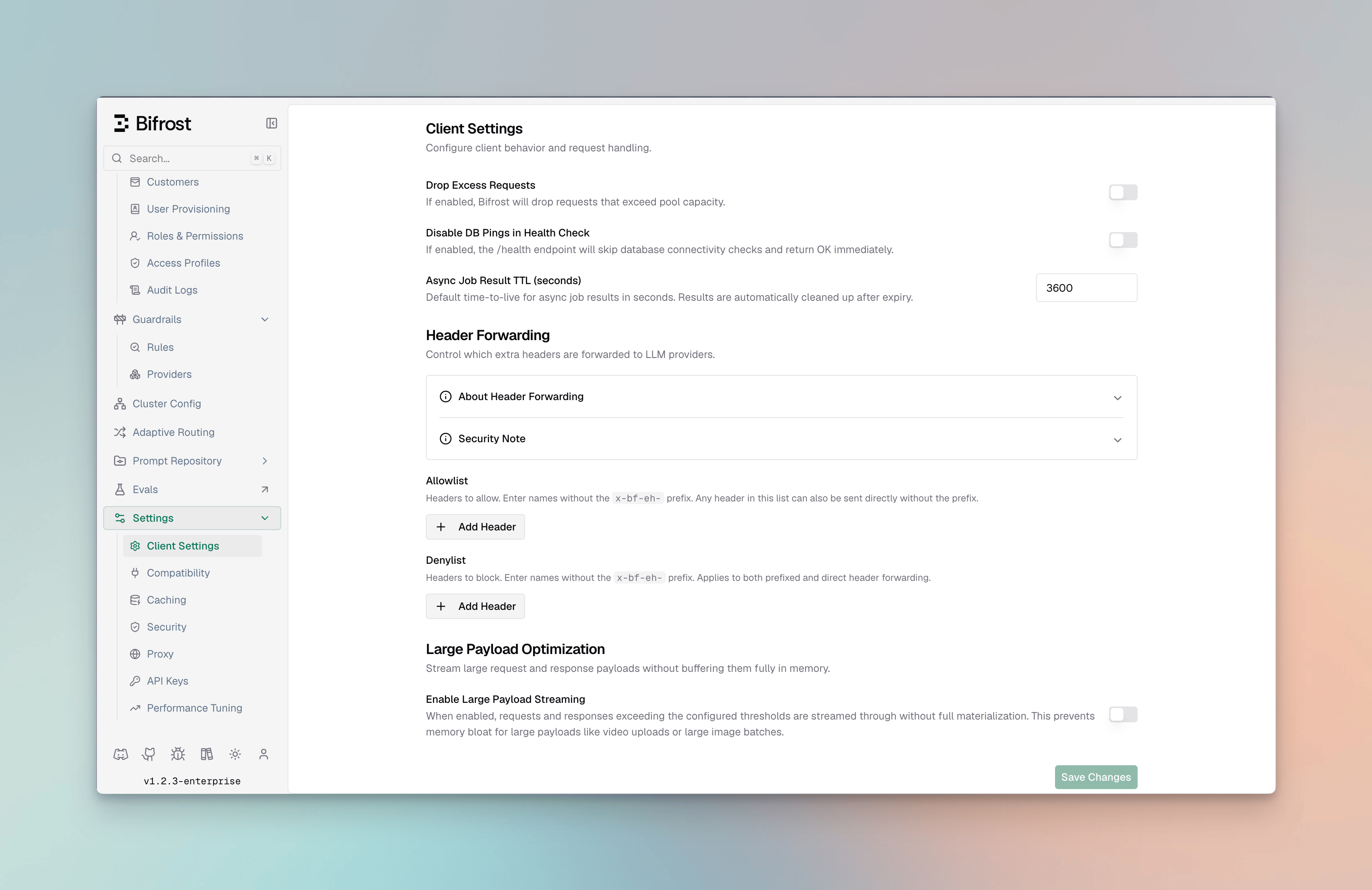
Mode 1: Web UI / Database Configuration
- No
config.jsonfile exists (Vikat auto-creates SQLite database) config.jsonexists withconfig_storeomitted or enabled
Optional: DB-backed config.json
You can view entire config schema here
config.json in your app directory:
config_store omitted or enabled:
- UI is enabled - full real-time configuration via web interface
- Database check - Vikat reconciles
config.jsonagainst the config store using a content-based hash per entity- Empty DB: Bootstraps database with
config.jsonsettings, then uses DB for runtime reads - Existing DB: Compares each entity’s file hash to the stored
ConfigHash. In default split mode, unchanged file-backed entities keep the DB copy so UI/API edits are preserved. If you edit that entity inconfig.json, the file definition overwrites the DB copy for that entity.
- Empty DB: Bootstraps database with
- Persistent storage - all changes saved to database immediately
Mode 2: File-only config.json
When to use: Advanced setups, GitOps workflows, or when UI is not needed. Setconfig_store.enabled to false when config.json should be the only configuration source:
- Config UI/API edits are unavailable - no config store is initialized
- Read-only file - Vikat never modifies
config.json - Memory-only config - settings are loaded into memory at startup
- Restart required - changes to
config.jsonapply after restart
- Config Store: Stores provider configs, API keys, MCP settings - Required for UI functionality
- Logs Store: Stores request logs shown in UI - Optional, can be disabled
- Vector Store: Used for semantic caching - Optional, can be disabled
PostgreSQL UTF8 Requirement
The minimum PostgreSQL version required is 16 or above.
For the log store, Vikat creates materialized views to improve analytics performance. Ensure
that the PostgreSQL user has the necessary permissions to perform these operations on the target
schema.
If you are behind PgBouncer in transaction pooling mode, RDS Proxy or any proxy that does not guarantee session affinity, Vikat migrations may fail due to concurrent session locking issues.
config_store or logs_store, the target database must use UTF8 encoding.
Use template0 when creating the database so PostgreSQL applies UTF8 and locale settings explicitly:
en_US.UTF-8, C.UTF-8, or another installed UTF-8 locale).
Verify the database encoding:
Next Steps
Now that you have Vikat running, explore these focused guides:Essential Topics
- Provider Configuration - Multiple providers, automatic failovers & load balancing
- Integrations - Drop-in replacements for OpenAI, Anthropic, and GenAI SDKs
- Multimodal Support - Support for text, images, audio, and streaming, all behind a common interface.
Advanced Topics
- Tracing - Logging requests for monitoring and debugging
- MCP Tools - Enable AI models to use external tools (filesystem, web search, databases)
- Governance - Usage tracking, rate limiting, and cost control
- Deployment - Production setup and scaling
Happy building with Vikat! 🚀