

If your Allowed Headers are already set to
*, you can skip this note. If not and you face issues integrating Vikat with Cursor, try switching to * or adding the specific headers required by your client. By default, Vikat whitelists: Content-Type, Authorization, X-Requested-With, X-Stainless-Timeout, and X-Api-Key.Setup
-
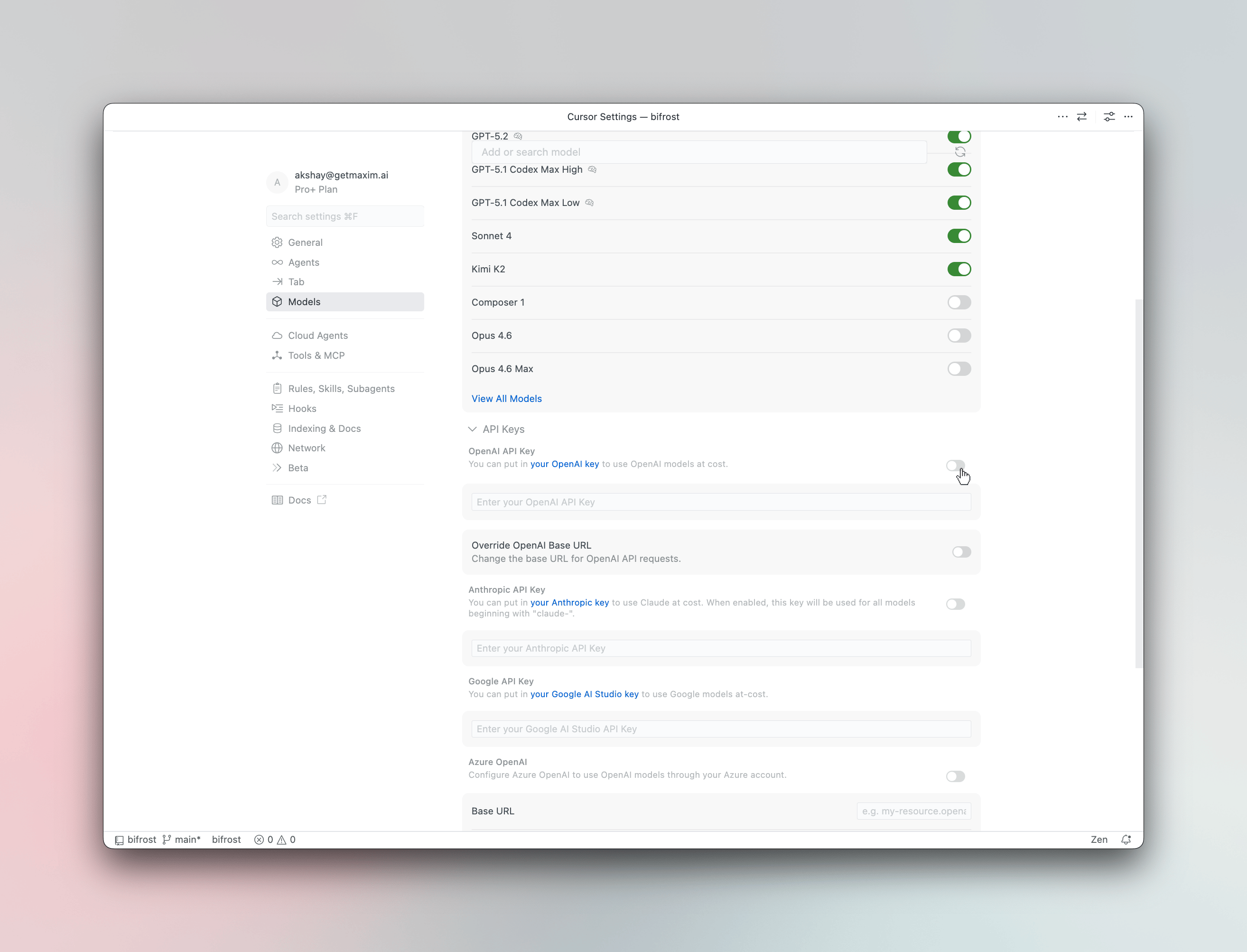
Open Cursor Settings
Press
Cmd +, (macOS) orCtrl +, (Windows/Linux) and navigate to Models. - Enter your API key In the OpenAI API Key field, enter your Vikat virtual key or provider API key.
-
Override the base URL
Toggle Override OpenAI Base URL to ON and enter your Vikat endpoint:
For deployed instances, use your Vikat deployment URL (e.g.,For cursor you need publicly accessible link for Vikat.
https://vikat.example.com/cursor). -
Add custom models (optional)
Type a model name in the Add or search model field using the
provider/model-nameformat: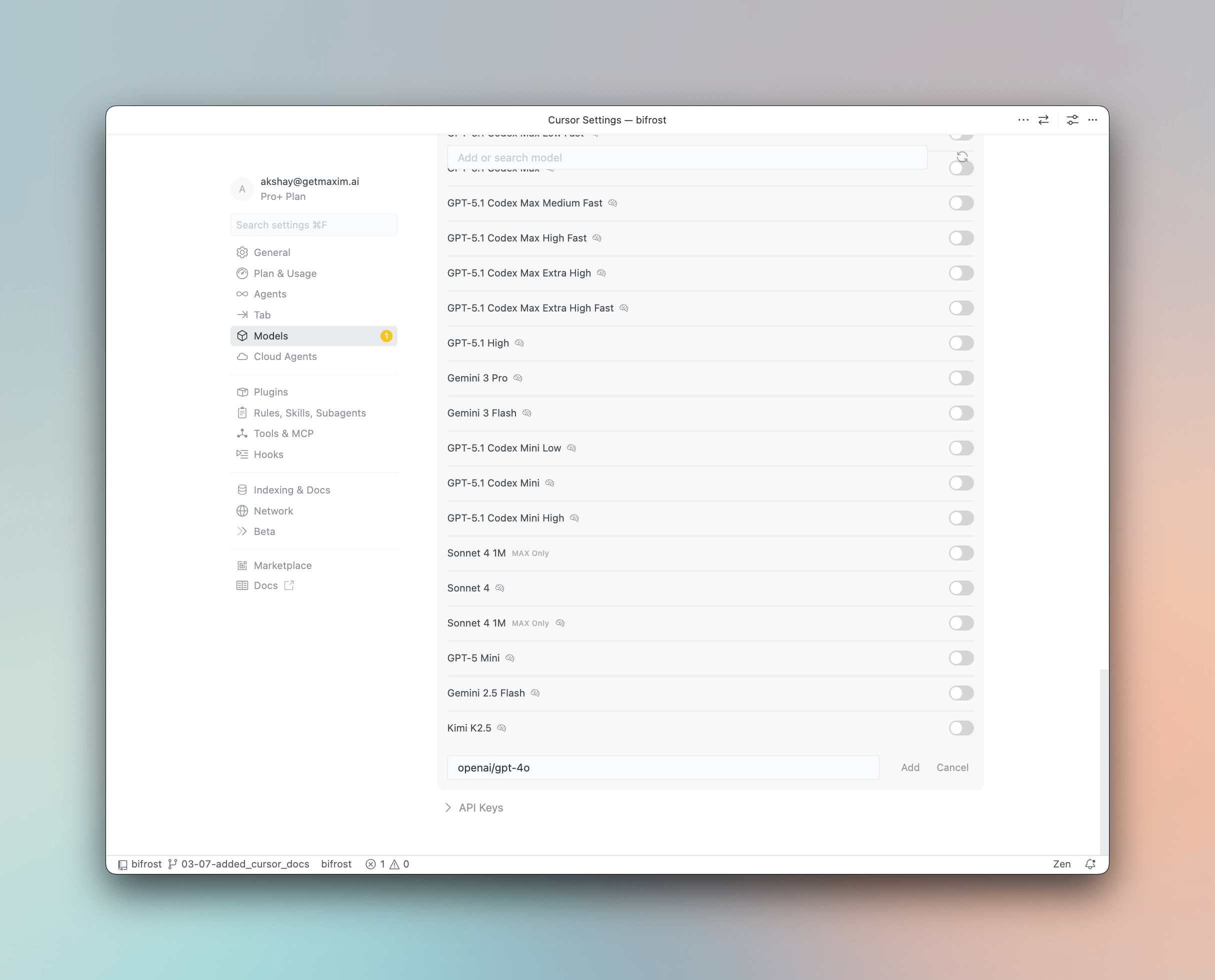
anthropic/claude-sonnet-4-5-20250929,openai/gpt-5,gemini-2.5-pro
Using Virtual Keys
Vikat Virtual Keys can be used as the OpenAI API Key in Cursor. Virtual keys let you enforce budgets, rate limits, and provider access controls for each user or team.Model Selection
Cursor assigns models to different features - Chat, Agent, Inline Edit, and Tab Completion. After configuring Vikat, you can assign anyprovider/model-name to each feature for optimal cost and performance:
- Use a powerful model like
openai/gpt-5oranthropic/claude-sonnet-4-5-20250929for Agent mode - Use a fast model like
groq/llama-3.3-70b-versatilefor Tab completion
Using Multiple Providers
Vikat routes requests to the correct provider based on the model name. Use theprovider/model-name format to access any configured provider through the single OpenAI-compatible endpoint:
Supported Providers
Vikat supports the following providers with theprovider/model-name format:
openai, anthropic, azure, gemini, vertex, bedrock, mistral, groq, cerebras, deepseek, cohere, perplexity, xai, ollama, openrouter, huggingface, nebius, parasail, replicate, vllm, sgl
Cursor’s “Override OpenAI Base URL” is a global setting that applies to all OpenAI-compatible models. This works well with Vikat since Vikat handles routing to the correct provider based on the model name.
Observability
All Cursor requests through Vikat are logged. Monitor them athttp://localhost:8080/logs - filter by provider, model, or search through conversation content.