

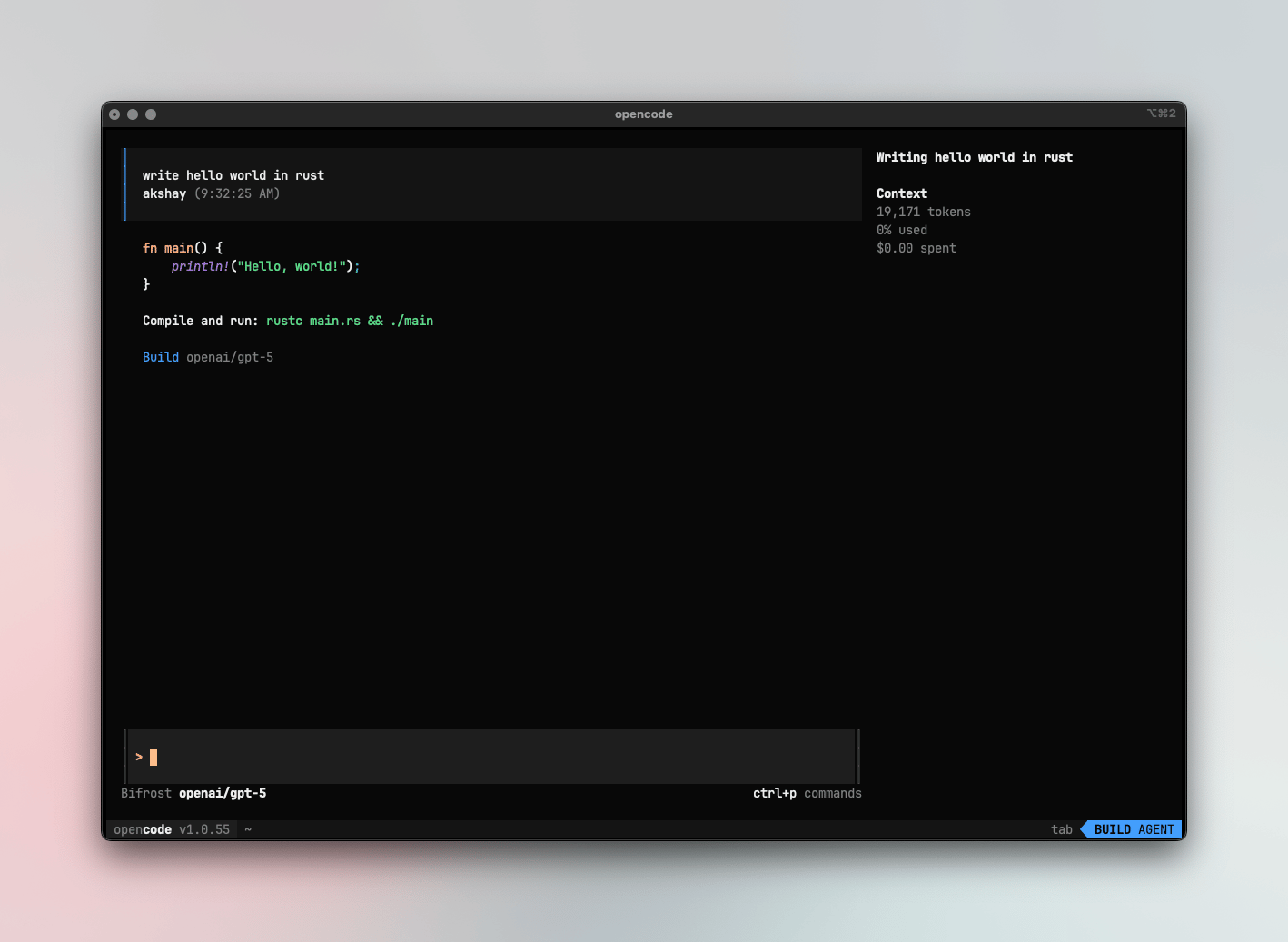
If your Allowed Headers are already set to
*, you can skip this note. If not and you face issues integrating Vikat with OpenCode, try switching to * or adding the specific headers required by your client. By default, Vikat whitelists: Content-Type, Authorization, X-Requested-With, X-Stainless-Timeout, and X-Api-Key.Setup
1. Configure OpenCode to work with Vikat
OpenCode uses a JSON config file (opencode.json) to configure providers. Point your provider’s baseURL to Vikat.
Using OpenAI-compatible endpoint
Route OpenAI and other providers through Vikat’s OpenAI endpoint:Using Anthropic endpoint
Route Anthropic models through Vikat’s Anthropic endpoint:Virtual Keys
When Vikat has virtual key authentication enabled, setapiKey in your provider options to your virtual key:
Model Selection
Set your default models inopencode.json:
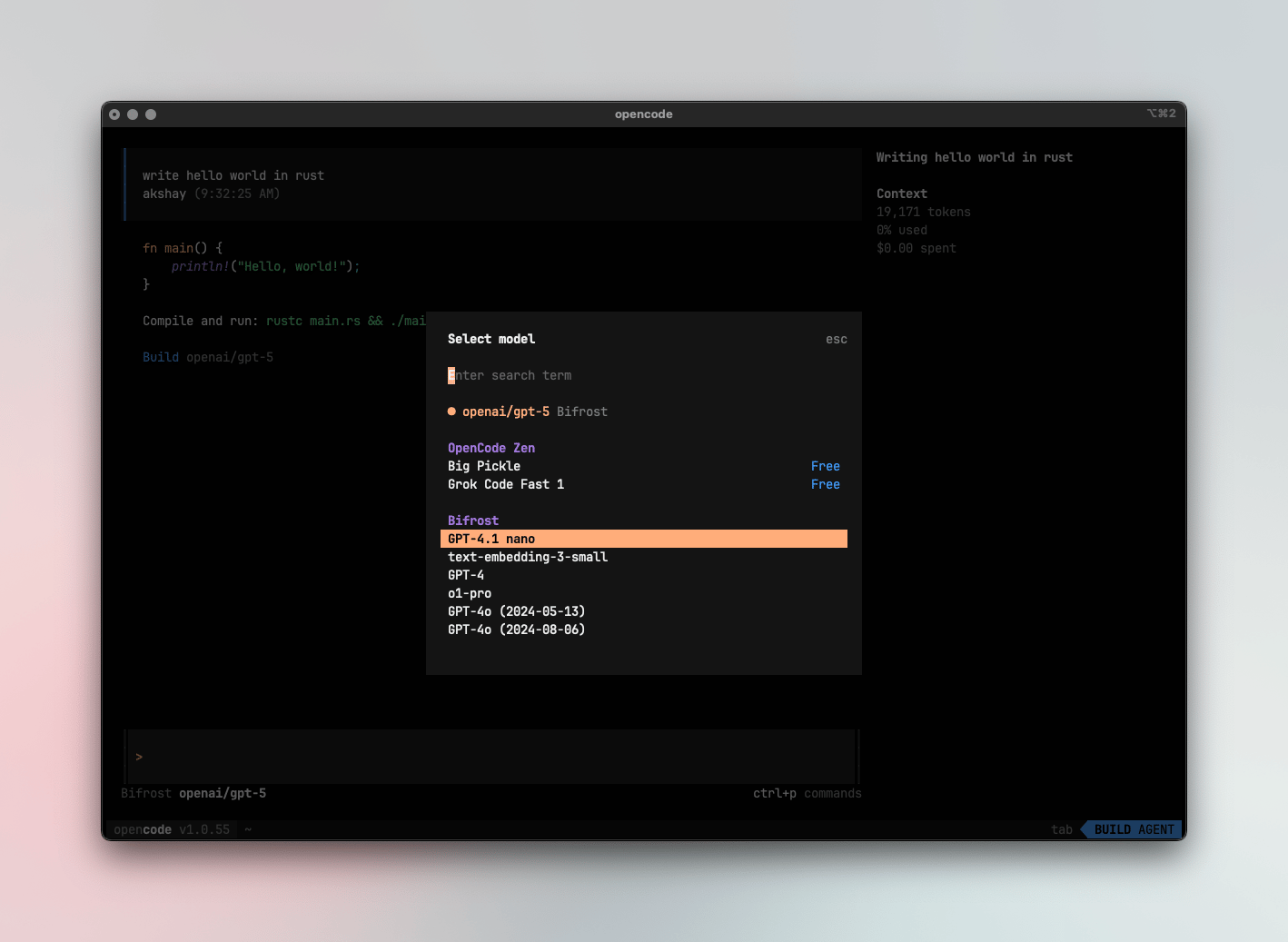
- Use powerful models like
openai/gpt-5oranthropic/claude-sonnet-4-5-20250929for complex coding tasks - Use fast models like
groq/llama-3.3-70b-versatilefor quick completions - Set
small_modelto a lighter model for faster, lower-cost operations
Using Multiple Providers
Vikat routes requests to the correct provider based on the model name. Use theprovider/model-name format to access any configured provider through the single OpenAI endpoint:
Supported Providers
Vikat supports the following providers with theprovider/model-name format:
openai, azure, gemini, vertex, bedrock, mistral, groq, cerebras, deepseek, cohere, perplexity, xai, ollama, openrouter, huggingface, nebius, parasail, replicate, vllm, sgl
OpenCode connects to Vikat via a single endpoint. Vikat handles routing to the correct provider based on the model name - no per-provider configuration needed.
Observability
All OpenCode traffic through Vikat is logged. Monitor it athttp://localhost:8080/logs - filter by provider, model, or search through conversation content to track usage.
Next Steps
- Provider Configuration - Configure AI providers in Vikat
- Virtual Keys - Set up usage limits and access control