

Prerequisites
- An OIDC-capable identity provider with admin access
- Vikat Enterprise deployed and accessible
- Your Vikat callback URL:
https://<your-vikat-domain>/login - The ability to create a confidential (client secret) OAuth 2.0 application in your IdP
- Vikat roles created for the roles you plan to map
Step 1: Create an OIDC application in your IdP
Register a new application
Configure redirect URIs
Step 2: Configure token claims
Ensure the required scopes are requested
openid— required for OIDCprofile— providesname,given_name,family_nameemail— provides the user’s email addressoffline_access— provides a refresh token for session maintenance (if supported)
Include group or role claims
Step 3: Copy your credentials
Note the Issuer URL, Client ID, and Client Secret
https://auth.company.com or https://auth.company.com/realms/my-realm. Vikat uses it to discover endpoints via <issuer>/.well-known/openid-configuration.Step 4: Assign users
Grant users access to the application
- Explicit assignment — add users directly to the application
- Group-based access — assign a group; all members get access
- Policy-based — configure an access policy
Step 5: Configure Vikat
Open User Provisioning and choose Generic OIDC
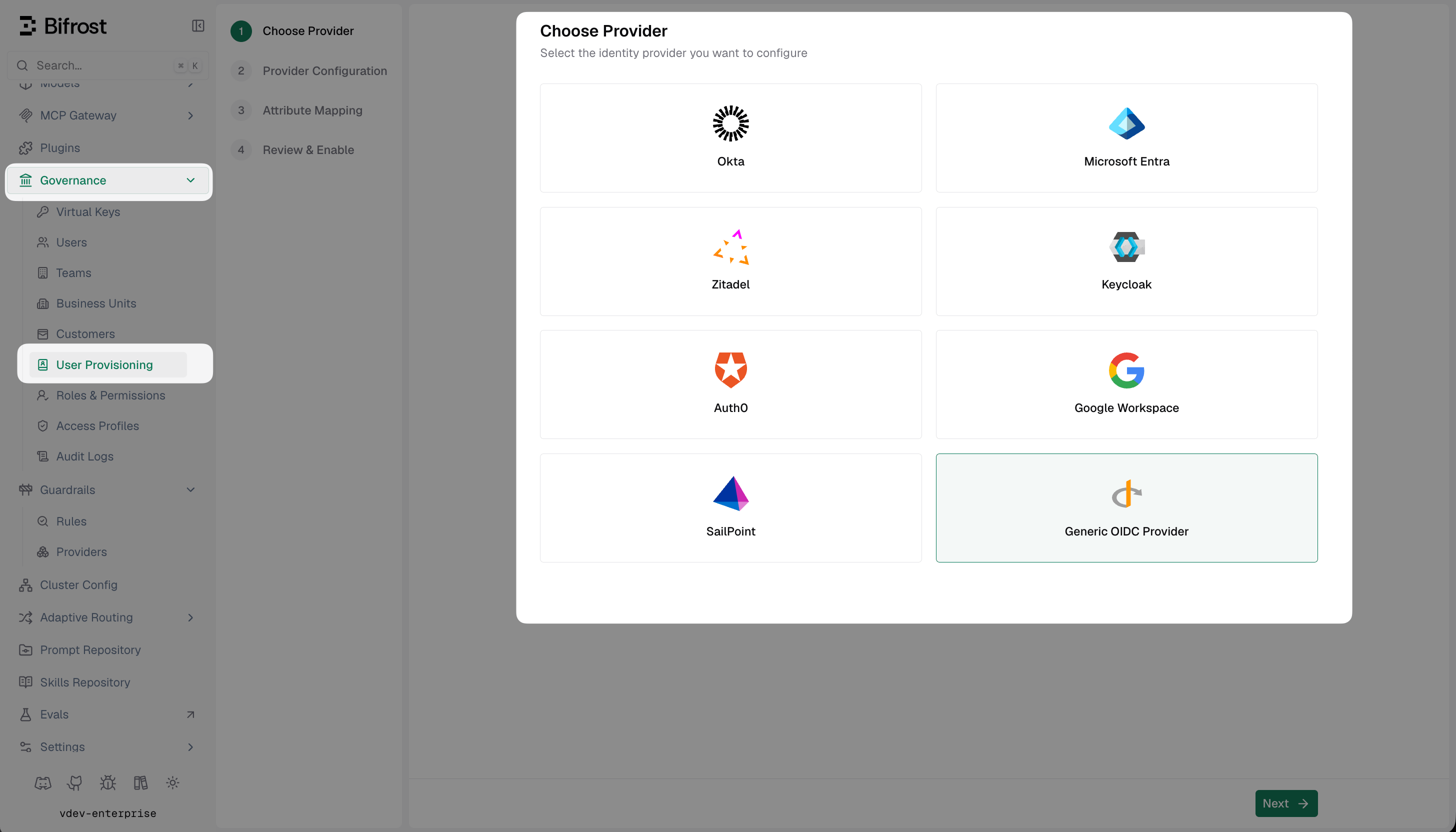
Select Generic OIDC Provider from the list of identity providers.
Fill in the provider configuration
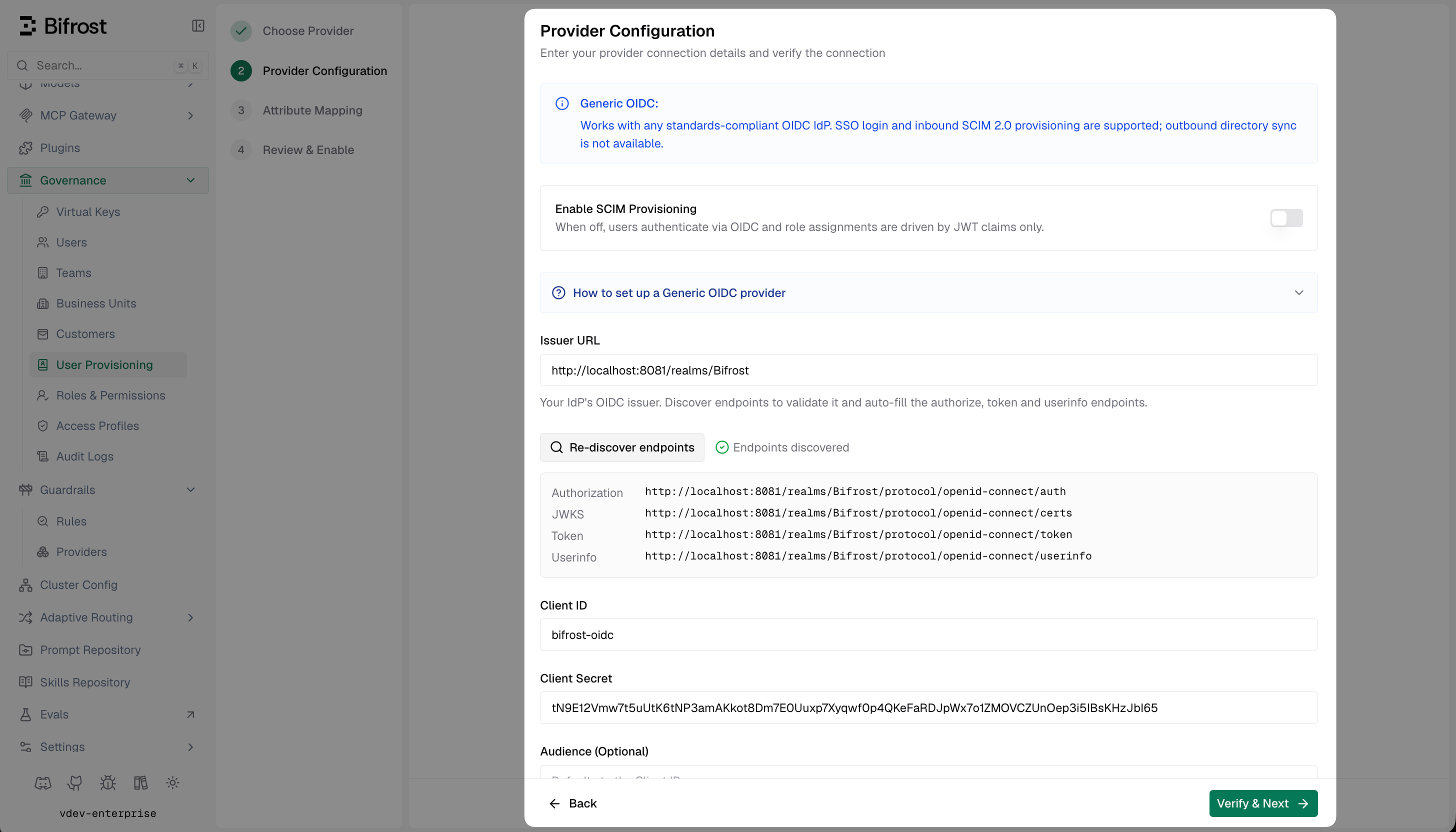
Provider Configuration — enter your OIDC issuer URL and client credentials, then Discover endpoints to validate.
Discover claims
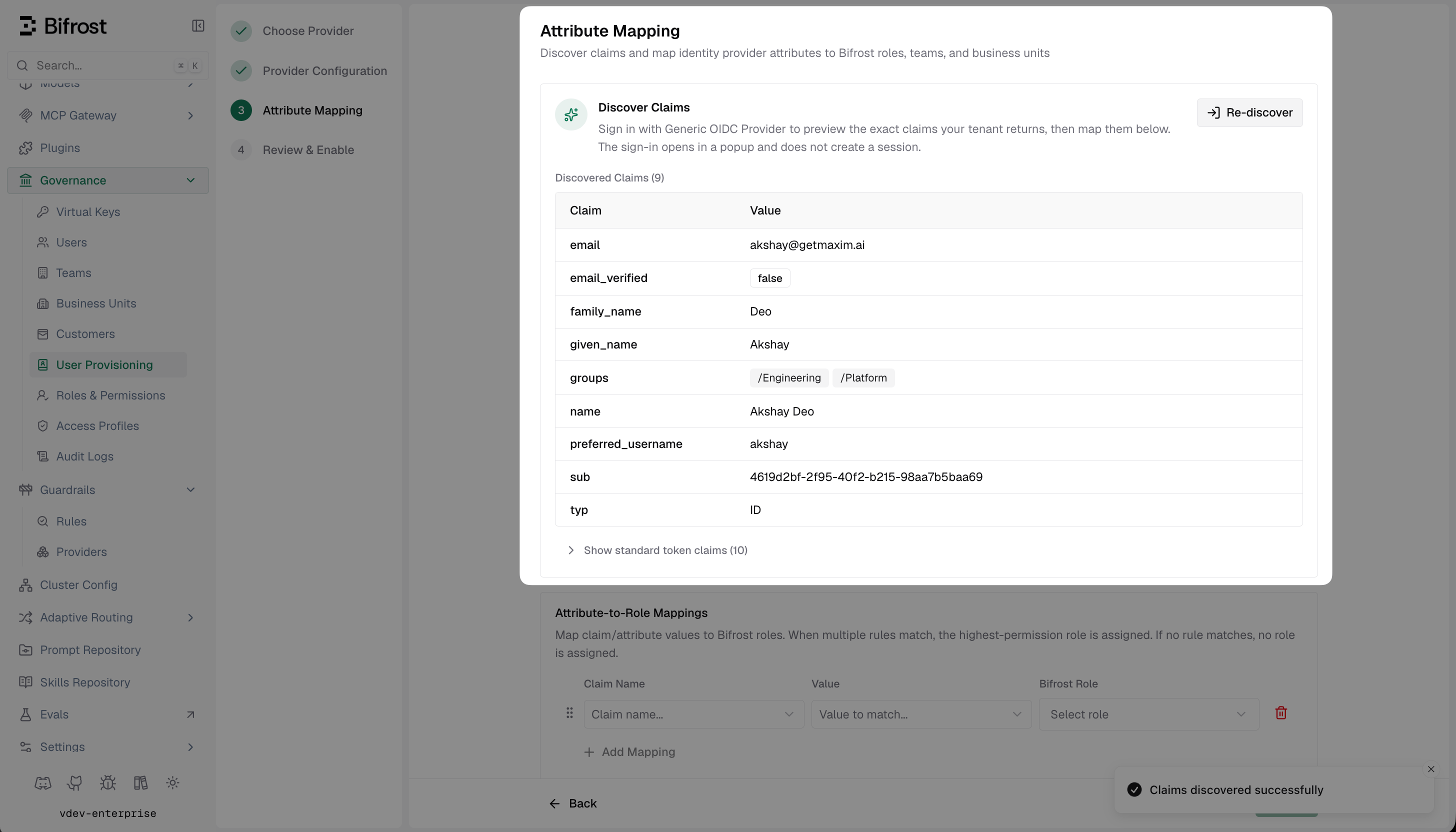
Discover Claims — shows all claims the IdP is returning in the JWT so you can reference exact names when building mappings.
openid, profile, and email scopes and that the discovery callback URI is registered.Set up attribute mappings
- Use a specific value (e.g.
engineering) to map that exact claim value to a named team - Use
*to sync the claim value directly as the team name - Use
${*}to extract part of the string — e.g./${*}matches/Engineeringand creates team Engineering
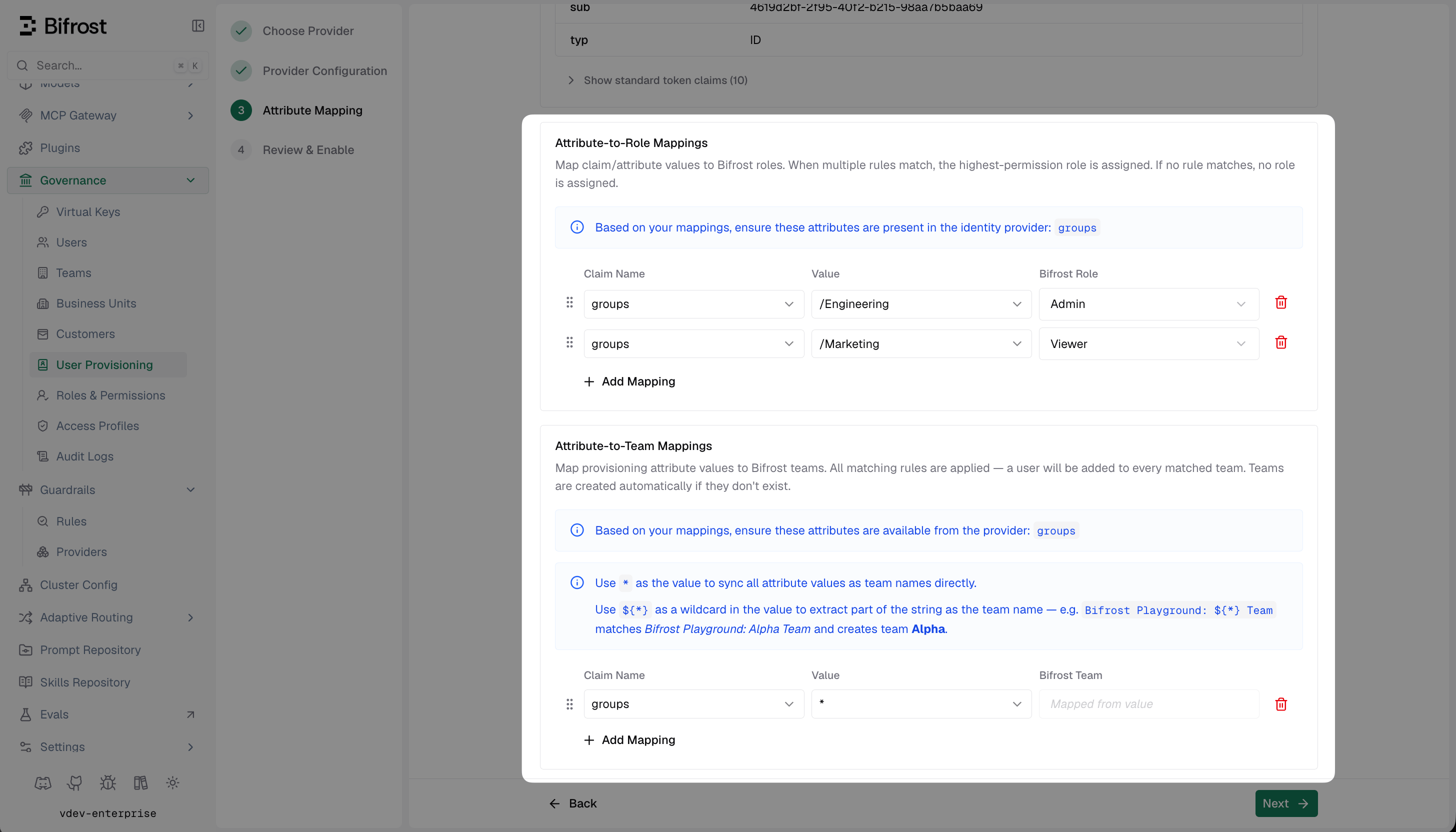
Attribute Mapping — configure role, team, and business unit rules based on the claims your IdP sends.
* maps the claim value directly as the entity name. Value comparisons are case-insensitive.Review and enable
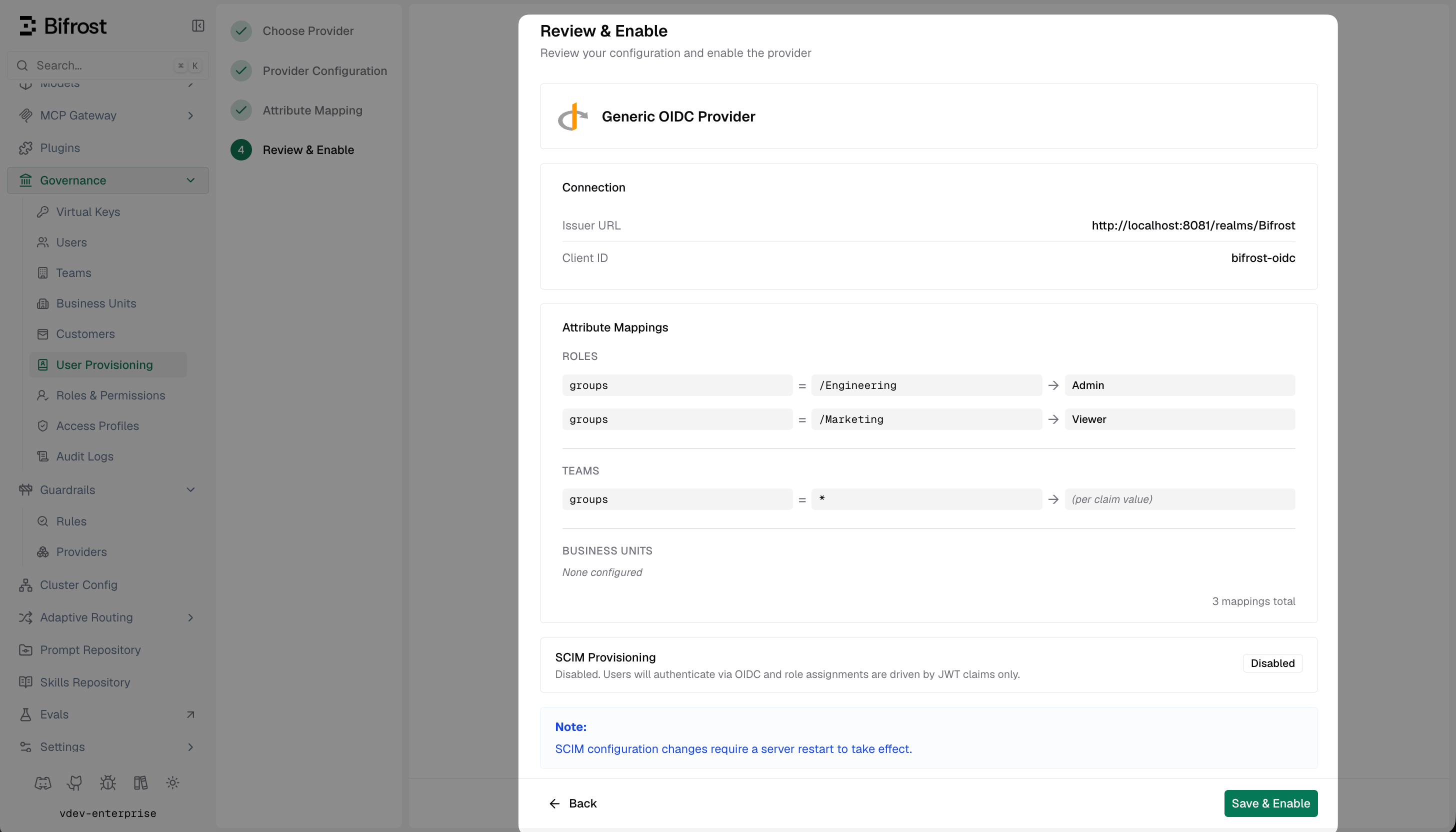
Review & Enable — confirm your connection and mappings before activating the provider.
How background sync works
Vikat refreshes active OIDC sessions every 15 minutes. If a session cannot be refreshed, Vikat checks with your IdP whether the user is still active; if the IdP reports the user as inactive, Vikat decommissions that user locally. For providers that support it, see SCIM with Generic OIDC to enable real-time user and group provisioning.Troubleshooting
User is not redirected to the IdP — verify the provider is enabled in Vikat and the server was restarted after saving. Confirm the Issuer URL has no trailing slash and is reachable from your Vikat server. JWKS validation fails — Vikat fetches<issuer>/.well-known/openid-configuration to discover the JWKS endpoint. Ensure this URL is reachable from your Vikat host.
Audience mismatch — set the Audience field in Vikat to match the aud claim in the JWT. Leave blank to default to the Client ID.
Claims are present in Discover Claims but role mapping is not working — confirm the claim name matches exactly what the IdP sends (case-sensitive, including namespacing). Dotted paths (e.g. realm_access.roles) are supported.
Login fails after successful IdP authentication — check that the redirect URI in your IdP exactly matches https://<your-vikat-domain>/login. Trailing slashes and path differences are not allowed.